JSON-LD for SEO: the guide to structured data
Use JSON-LD for SEO to increase your visibility. Optimise your structured data so AI models and search engines correctly understand your content.

Summary
- Most websites duplicate Organization schema unnecessarily. This can lead to inconsistencies between pages and unclear signals to search engines.
- A site-wide script defines 3 entities once. WebSite, Organization and Person only need to appear in one place.
- Page-level JSON-LD stays concise and manageable. WebPage + Service/BlogPosting + optional BreadcrumbList and FAQ.
- A stable @id strategy prevents linking errors. Use [URL]#webpage, [URL]#service, [URL]#blogpost as a consistent fragment pattern.
- 10 common mistakes that can break rich results. From self-referencing loops to trailing commas and smart quotes in JSON strings.
- Implementation requires thorough planning and testing. Add a site-wide script, update page templates, validate and roll out gradually.
Many websites have a JSON-LD implementation that has gradually turned into a patchwork. Organization schema on every page. Inconsistent @id’s. Service nodes mixed with BlogPosting where they do not belong. FAQs referencing content that is not on the page.
The result: validation errors in Search Console, structured data sending unclear signals, and markup that is difficult to maintain.
This article explains how to implement JSON-LD in a way that scales and stays consistent. Structured data is not a replacement for technical SEO, but it is an essential building block for making your page intent clear to search engines.
What is JSON-LD?
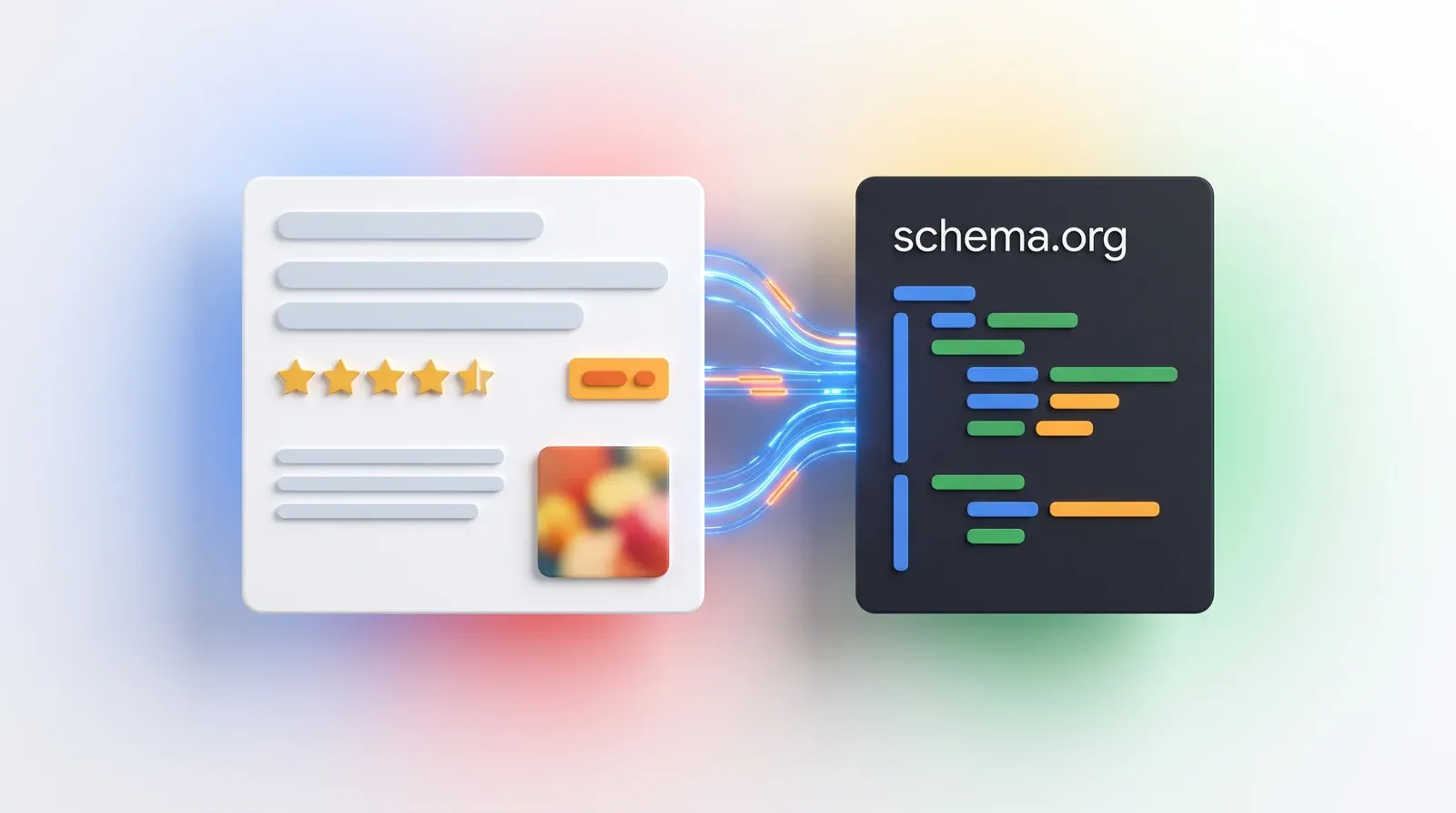
JSON-LD (JavaScript Object Notation for Linked Data) is a format for adding structured data to a web page, so that search engines and AI models understand exactly what is on the page: an organisation, a product, an article or a FAQ. You place it as a separate <script type="application/ld+json"> block in the HTML, apart from the visible text. Google explicitly recommends JSON-LD over Microdata and RDFa because it is easier to implement and maintain.
Applied correctly, JSON-LD enables rich snippets (such as stars and prices) and knowledge panels. FAQ rich results are no longer part of that: since May 2026 Google no longer shows them in the search results, although the markup itself remains valid and useful for AI parsing. Also temper your expectations around AI citations in AI Overviews and generative search engines: an Ahrefs study from May 2026 tracked 1,885 pages that added schema and saw no meaningful uplift in citations. Structured data is therefore not a citation lever, but hygiene: the language that makes your content unambiguously readable for both Google and AI models.
Why almost all JSON-LD implementations become messy
JSON-LD implementations usually start well. A developer adds Organization schema to the homepage. Then a product page arrives, and it gets Organization schema too. And a Service node. Then blog articles come along, and those get Organization + BlogPosting. Before you know it, the same Organization definition appears on hundreds of pages, but with subtle differences because they were added at different times.
5 concrete symptoms of drift:
- Organization schema with different values. On page A the logo is 200x200px, on page B it is 400x400px, on page C it is missing entirely.
- Inconsistent @id fragments. Some pages use #organization, others #company, still others no @id at all.
- Mixed types without logic. A contact page has both Service and AboutPage and ContactPage schema.
- FAQ content that does not exist. The FAQ schema contains questions that are not on the page, because they were copied from a template.
- Self-referencing loops. WebPage.mainEntityOfPage points to itself instead of to the Service or BlogPosting.
These problems arise because there is no clear separation between what belongs site-wide (always the same) and what belongs at page level (unique per page). For anyone conducting a thorough technical SEO audit: this is often one of the first technical bottlenecks that surfaces.
The core principles that solve everything
Google recommends JSON-LD because it is easier to implement and maintain than Microdata or RDFa. But only when done correctly.
Five principles:
1. One page-level JSON-LD script per page
Place all page-specific structured data in one <script type="application/ld+json"> block with a @graph array. Not four separate scripts for WebPage, Service, BreadcrumbList and FAQ. One script, one graph, all nodes inside it.
2. Stable @id strategy
Every node gets a unique @id based on the canonical page URL plus a fragment. For example: https://example.com/seo#webpage, https://example.com/seo#service, https://example.com/blog/article#blogpost. Use this pattern consistently across the entire site.
3. Strict separation: site-wide vs page-level
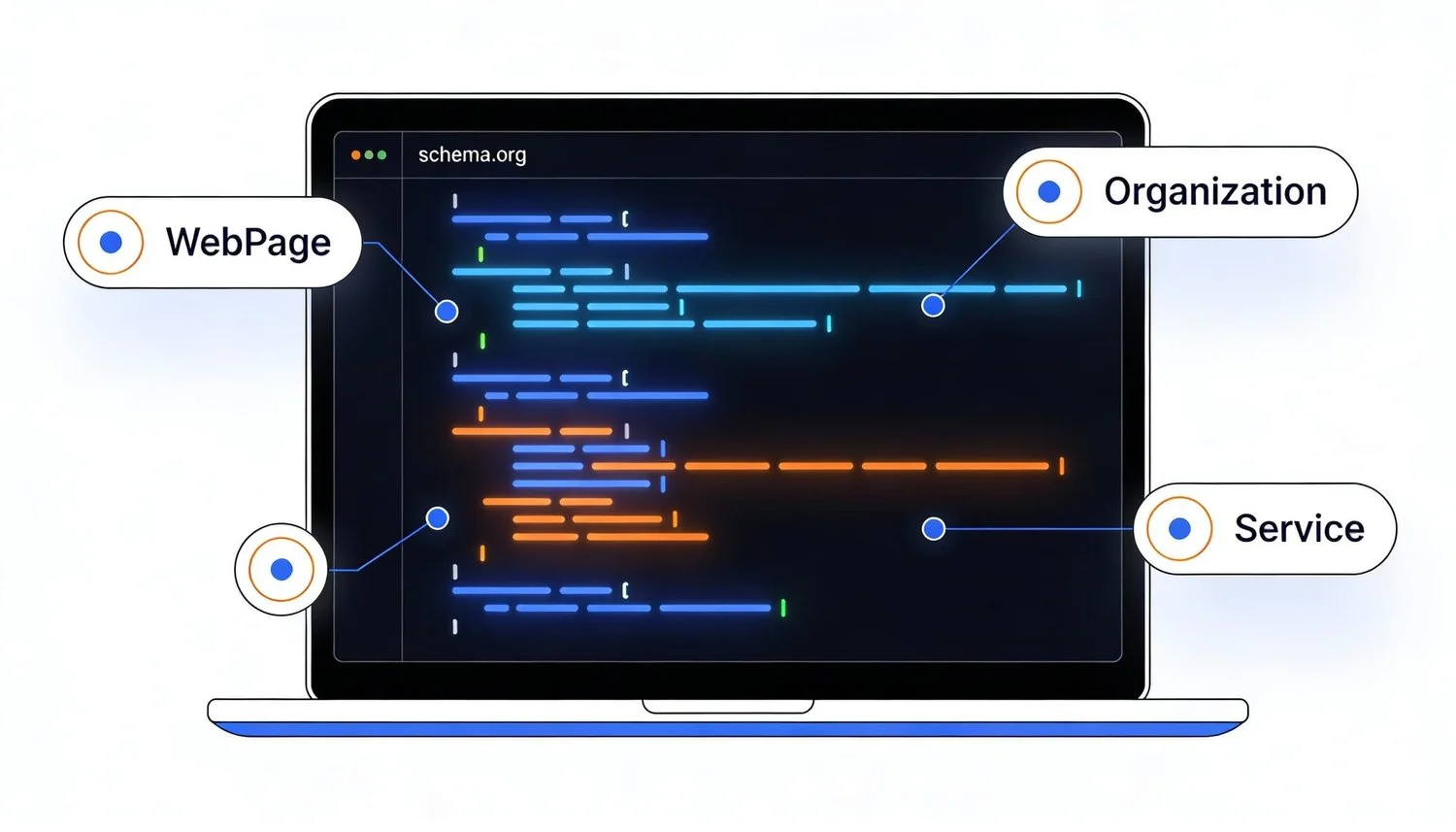
Site-wide entities (WebSite, Organization, Person) are defined once in a separate script that is loaded on every page. Page-level entities (WebPage, Service, BlogPosting, BreadcrumbList, FAQPage) live in the page-specific script and reference the site-wide entities via their @id.
4. Match URLs exactly with canonical
Use exactly the same URL as your canonical URL on the page. If your canonical tag is <link rel="canonical" href="https://example.com/about-us">, then use exactly https://example.com/about-us in your @id and url properties. Match www/non-www and trailing slashes exactly with your canonical strategy.
5. Preserve unless invalid (when cleaning up existing implementations)
If you are sanitising an existing JSON-LD implementation: do not change content unless it is factually incorrect. Does your BlogPosting.description have 180 characters? Leave it. Is there a working image URL? Leave it. Only change what is genuinely wrong. This prevents unintended ranking impact during cleanup. For new implementations: start directly with correct data according to the templates below.
“Structured data does not make your website rank better. It is used to display search features. Use it when your pages are eligible for these features.”
— John Mueller, Search Relations Team at Google
What belongs site-wide (and why)
Site-wide entities are data that is the same across the entire website. Define these once in a script that is loaded on every page, usually via your CMS template or header include.
Which entities belong site-wide:
WebSite (one website, one WebSite entity) Contains: name, url, publisher (references Organization @id), inLanguage, optionally potentialAction for site search
Organization (one company, one Organization) Contains: name, url, logo, sameAs (social profiles), optionally contactPoint, address, areaServed
Person (consistent author or founder, optional) Contains: name, url, sameAs (LinkedIn, Twitter), worksFor (references Organization @id)
What does NOT belong site-wide:
- Service nodes (unique per service page)
- BlogPosting (unique per article)
- BreadcrumbList (unique per page)
- FAQPage (unique per page where FAQ appears)
- Product (unique per product)
Minimal vs expanded guidance:
Start minimal. WebSite with name, url, publisher. Organization with name, url, logo. That is enough. Only add more when you can validate that it is correct and relevant.
Example: only add contactPoint if you genuinely have a separate customer service number. Only add address if you have a physical location relevant to your business. Not because it seems “complete”.
Overview table: what belongs where
| Entity / Type | Site-wide script? | Page-level script? | Why |
|---|---|---|---|
| WebSite | ✓ | - | One website, one definition |
| Organization | ✓ | - | Company data is identical everywhere |
| Person | ✓ | - | Keep founder/author definition consistent |
| WebPage | - | ✓ | Unique per page (title, description, url) |
| Service | - | ✓ | Specific to each service page |
| BlogPosting | - | ✓ | Unique per article (headline, datePublished) |
| BreadcrumbList | - | ✓ | Path varies per page |
| FAQPage | - | ✓ | FAQ content differs per page |
| ImageObject (primary) | - | ✓ | Main image varies per page |
| Product | - | ✓ | Page-level, requires separate implementation |
Site-wide JSON-LD template (copy-paste)
{
  "@context": "https://schema.org",
  "@graph": [
    {
      "@type": "WebSite",
      "@id": "https://example.com/#website",
      "url": "https://example.com",
      "name": "[WEBSITE_NAME]",
      "inLanguage": "en-GB",
      "publisher": {
        "@id": "https://example.com/#organization"
      }
    },
    {
      "@type": "Organization",
      "@id": "https://example.com/#organization",
      "name": "[ORGANIZATION_NAME]",
      "url": "https://example.com",
      "logo": {
        "@type": "ImageObject",
        "url": "[LOGO_URL]"
      },
      "sameAs": [
        "[SOCIAL_URL_1]",
        "[SOCIAL_URL_2]",
        "[SOCIAL_URL_3]"
      ]
    },
    {
      "@type": "Person",
      "@id": "https://example.com/#founder",
      "name": "[FOUNDER_NAME]",
      "url": "https://example.com/about-us",
      "sameAs": [
        "[LINKEDIN_URL]"
      ],
      "worksFor": {
        "@id": "https://example.com/#organization"
      }
    }
  ]
}
Place this script in the <head> of every page, or via a global template include in your CMS.
Replace the placeholders:
- [WEBSITE_NAME]: “ClickForest” or your company name
- [ORGANIZATION_NAME]: Formal company name
- [LOGO_URL]: Full URL to your logo (min. 112x112px, preferably square)
- [SOCIAL_URL_1/2/3]: LinkedIn, Facebook, Instagram URLs
- [FOUNDER_NAME]: Name of the founder/CEO if relevant
- [LINKEDIN_URL]: Founder’s personal LinkedIn
Note on Person: Only add this block if you have a personal brand component in your business (founder-led, thought leadership). Otherwise remove this entire block.
“It helps their content to be understood. Whether it is details about their business, the services they offer, or the content they invest so much time in.”
— Martha van Berkel, CEO of Schema App
Page-level JSON-LD for regular pages (services, locations, etc.)
For regular pages (services, about us, contact, location pages) use a limited node set.
Minimal baseline checklist:
- WebPage (always required)
- Service (only if it is genuinely a service page)
- BreadcrumbList (optional, only if you implement breadcrumbs consistently)
- FAQPage (optional, only if FAQ is actually on the page)
Linking rules:
- WebPage.isPartOf references site-wide WebSite @id
- WebPage.mainEntity references Service @id
- Service.provider references site-wide Organization @id
- Service.mainEntityOfPage references WebPage @id
Linking cheatsheet per page type
| Page type | From node | Property | To node | Example @id |
|---|---|---|---|---|
| Service page | WebPage | isPartOf | WebSite | https://example.com/#website |
| WebPage | mainEntity | Service | https://example.com/seo#service | |
| Service | provider | Organization | https://example.com/#organization | |
| Service | mainEntityOfPage | WebPage | https://example.com/seo#webpage | |
| Blog post | WebPage | isPartOf | WebSite | https://example.com/#website |
| WebPage | mainEntity | BlogPosting | https://example.com/blog/seo-tips#blogpost | |
| BlogPosting | mainEntityOfPage | WebPage | https://example.com/blog/seo-tips#webpage | |
| BlogPosting | author | Person | https://example.com/#founder | |
| BlogPosting | publisher | Organization | https://example.com/#organization |
Canonical template for service page:
{
  "@context": "https://schema.org",
  "@graph": [
    {
      "@type": "WebPage",
      "@id": "https://example.com/seo#webpage",
      "url": "https://example.com/seo",
      "name": "SEO services",
      "description": "SEO optimisation for businesses in Belgium.",
      "isPartOf": {
        "@id": "https://example.com/#website"
      },
      "mainEntity": {
        "@id": "https://example.com/seo#service"
      }
    },
    {
      "@type": "Service",
      "@id": "https://example.com/seo#service",
      "serviceType": "SEO optimisation",
      "name": "SEO services",
      "description": "Technical SEO, content optimisation and link building.",
      "provider": {
        "@id": "https://example.com/#organization"
      },
      "areaServed": {
        "@type": "Country",
        "name": "Belgium"
      },
      "mainEntityOfPage": {
        "@id": "https://example.com/seo#webpage"
      }
    },
    {
      "@type": "BreadcrumbList",
      "@id": "https://example.com/seo#breadcrumbs",
      "itemListElement": [
        {
          "@type": "ListItem",
          "position": 1,
          "name": "Home",
          "item": "https://example.com"
        },
        {
          "@type": "ListItem",
          "position": 2,
          "name": "SEO",
          "item": "https://example.com/seo"
        }
      ]
    }
  ]
}
Note on BreadcrumbList: Only add breadcrumbs if you also actually show them on the page, or if your site has a clear hierarchy you can maintain consistently. Not ad hoc on some pages but not others.
Note on Product pages: Product pages require Product schema with additional properties (offers, availability, reviews, aggregateRating, etc.). That falls outside the scope of this article.
Page-level JSON-LD for blog articles
For blog articles use a slightly different set of nodes.
- WebPage (required)
- BlogPosting (required)
- BreadcrumbList (strongly recommended)
- FAQPage (optional, only if FAQ is on the page)
- BlogPosting.mainEntityOfPage references WebPage @id
- BlogPosting.author references site-wide Person @id (if defined)
- BlogPosting.publisher references site-wide Organization @id
Canonical template for blog post:
{
  "@context": "https://schema.org",
  "@graph": [
    {
      "@type": "WebPage",
      "@id": "https://example.com/blog/seo-tips#webpage",
      "url": "https://example.com/blog/seo-tips",
      "name": "SEO tips for 2026",
      "description": "Overview of practical SEO tips.",
      "isPartOf": {
        "@id": "https://example.com/#website"
      }
    },
    {
      "@type": "BlogPosting",
      "@id": "https://example.com/blog/seo-tips#blogpost",
      "headline": "SEO tips for 2026",
      "description": "Overview of practical SEO tips.",
      "image": "https://example.com/images/seo-tips-header.jpg",
      "datePublished": "2026-01-15T10:00:00+01:00",
      "dateModified": "2026-01-20T14:30:00+01:00",
      "author": {
        "@id": "https://example.com/#founder"
      },
      "publisher": {
        "@id": "https://example.com/#organization"
      },
      "mainEntityOfPage": {
        "@id": "https://example.com/blog/seo-tips#webpage"
      }
    },
    {
      "@type": "BreadcrumbList",
      "@id": "https://example.com/blog/seo-tips#breadcrumbs",
      "itemListElement": [
        {
          "@type": "ListItem",
          "position": 1,
          "name": "Home",
          "item": "https://example.com"
        },
        {
          "@type": "ListItem",
          "position": 2,
          "name": "Blog",
          "item": "https://example.com/blog"
        },
        {
          "@type": "ListItem",
          "position": 3,
          "name": "SEO tips for 2026",
          "item": "https://example.com/blog/seo-tips"
        }
      ]
    }
  ]
}
Important for dateModified: Always add dateModified when you update an article. This helps search engines interpret changes better and can contribute to clearer freshness signals, which is also relevant for GEO optimisation (Generative Engine Optimization).
“Schema markup structures your content so that machines and people find exactly what they need. And when LLMs understand you better, they cite you more often”
— Hamzah Khadim, SEO Expert at Logik Digital
That last sentence deserves nuance: the May 2026 Ahrefs study shows that adding schema by itself does not earn extra AI citations. Better understanding is the gain; the citations themselves come from strong content and authority.
ID and URL strategy that is bulk-proof
A consistent @id strategy is essential for keeping your structured data scalable. This becomes especially critical for sites with hundreds of product pages or blog articles.
Strict pattern for @id fragments:
- WebPage: [CANONICAL_URL]#webpage
- Service: [CANONICAL_URL]#service
- BlogPosting: [CANONICAL_URL]#blogpost
- BreadcrumbList: [CANONICAL_URL]#breadcrumbs
- FAQPage: [CANONICAL_URL]#faq
- ImageObject (primary): [CANONICAL_URL]#primaryimage
Important rules:
- Use your exact canonical URL. Copy the href from your
<link rel="canonical">tag. - Match www/non-www exactly. If canonical is
https://www.example.com, use that in JSON-LD too. - Match trailing slash exactly. If canonical ends in /, use that in @id too.
- Use lowercase fragments. #webpage not #WebPage or #WEBPAGE.
- Consistent across entire site. Not #service on page A and #dienst on page B.
Example bulk implementation:
If you have 200 product pages, generate the @id’s programmatically with exactly the same logic as your canonical URL generation. For Shopify sites: this can be automated via your theme’s liquid templates.
Common mistakes (with fixes)
Quick reference: 10 mistakes overview
| Mistake | How to recognise it | Impact | Fix |
|---|---|---|---|
| Duplicating Organization | Every page has its own Organization definition | Can lead to inconsistencies | Move to site-wide script |
| Mixing types | BlogPosting + Service on same URL | Can lead to ambiguity | Choose one primary type |
| Self-referencing loop | WebPage.mainEntityOfPage → itself | Unnecessary circular reference | Remove from WebPage node |
| FAQ not on page | FAQPage schema without visible FAQ | Can lead to manual action | Only add when visible |
| Unsubstantiated claims | "500+ clients" without evidence | Misleading markup | Use only verifiable facts |
| Inconsistent URLs | Mix of www/non-www and trailing slash | Breaks linking between entities | Choose one format, use everywhere |
| Over-filled sameAs | Spam directories in sameAs array | Dilutes authoritative signals | Max 3-5 official sources |
| Multiple scripts | 4+ separate JSON-LD blocks per page | Unnecessarily complex, hard to maintain | Consolidate to 2 scripts with @graph |
| JSON syntax errors | Trailing commas, smart quotes | Breaks JSON parsing | Validate with JSONLint |
| Modifying other scripts | GA script changed during JSON-LD edit | Can break tracking | Treat JSON-LD as read-only zone |
Detailed explanation per mistake
1. Duplicating Organization schema on every page
What you see: Every page has its own Organization definition in the page-level JSON-LD.
Why it is problematic: Inconsistencies between pages can send unclear signals.
Fix: Move Organization to your site-wide script. Let page-level scripts reference it via {"@id": "https://example.com/#organization"}.
2. Mixing BlogPosting and Service on the same URL
What you see: A page has both @type: “BlogPosting” and @type: “Service”.
Why it is problematic: A page cannot simultaneously be a blog article and a service. This can lead to ambiguity.
Fix: Choose one primary type. Is it an article describing a service? BlogPosting. Is it a landing page for a service? Service + WebPage.
3. WebPage.mainEntityOfPage pointing to itself
What you see:
{
  "@type": "WebPage",
  "@id": "https://example.com/seo#webpage",
  "mainEntityOfPage": {
    "@id": "https://example.com/seo#webpage"
  }
}
Why it is wrong: mainEntityOfPage is intended to point from an entity (Service, BlogPosting) to the WebPage it lives on. Not the other way around.
Fix: Remove mainEntityOfPage from WebPage. Only use mainEntityOfPage IN the Service/BlogPosting node to point back to WebPage.
4. FAQ content not on the page
What you see: FAQPage schema with questions that are literally not in the visible HTML.
Why it is wrong: Google’s guidelines require that structured data matches visible content. This can lead to a manual action.
Fix: Only add FAQ schema when the questions AND answers are actually on the page. Do not copy-paste FAQs from a template.
5. Description with claims you cannot substantiate
What you see: “description”: “We are the best SEO agency in Belgium with 500+ satisfied clients”
Why it is problematic: If you do not have 500+ clients, this is misleading markup.
Fix: Only use facts you can prove. Have 50 clients? Say that. No client data? Leave it out or keep it general.
6. Changing URL formats mid-site
What you see: Homepage uses https://example.com, subpages use https://example.com/, others use https://www.example.com.
Why it is problematic: Inconsistent @id’s break the linking between entities.
Fix: Choose one canonical URL format and use it everywhere. If your canonical tag is https://example.com (without trailing slash), use that consistently in JSON-LD too.
7. Over-filled sameAs with arbitrary sources
What you see: "sameAs": ["https://facebook.com/company", "https://linkedin.com/company/company", "https://random-directory.com/company123", "https://spam-linkfarm.org/company"]
Why it is problematic: SameAs is intended for official, authoritative sources. Not for every place where your business is mentioned.
Fix: Only use official social profiles (LinkedIn, Facebook, Twitter, Instagram) and official sources such as Wikipedia (if relevant). Max 3-5 URLs that you actually control and maintain.
8. Multiple JSON-LD scripts without reason
What you see: Four separate <script type="application/ld+json"> blocks on one page for WebPage, Service, BreadcrumbList and Organization.
Why it is problematic: Unnecessarily complex, hard to maintain, increases the risk of duplication and inconsistency.
Fix: Consolidate to two scripts: one site-wide (WebSite, Organization, Person) and one page-level (WebPage, Service/BlogPosting, BreadcrumbList, FAQ) with @graph.
9. Broken JSON due to syntax errors
JSON is strict in its syntax requirements. Three common errors:
A. Trailing commas
{
  "name": "Test",
  "url": "https://example.com",
}
Why it is wrong: JSON does not allow a trailing comma after the last property.
Fix: Remove the comma after the last property in every object.
B. Smart quotes (typographic quotation marks)
{
  "name": "Test's Service"
}
(Note the typographic apostrophe instead of a straight quote)
Why it is wrong: JSON requires straight double quotation marks (”) for keys and string values. Typographic quotes (” ” ’ ’) break parsing.
Fix: Replace all typographic quotes with straight quotes. Check this especially when copying JSON from Word, Google Docs or some WYSIWYG editors.
C. Escaping quotes within strings
What you see (invalid):
{
  "name": "Test "Premium" Service"
}
Why it is wrong: Quotes within a string must be escaped with a backslash.
Fix correct example:
{
  "name": "Test \"Premium\" Service"
}
General fix: Use a JSON validator such as JSONLint before publishing to detect all these syntax errors.
10. Modifying other scripts on the page during a JSON-LD edit
What you see: Developer adds JSON-LD and accidentally modifies an existing Google Analytics script or other functionality.
Why it is problematic: JSON-LD scripts must be standalone. Changes to other scripts can break tracking, ads, or other functionality.
Fix: Treat JSON-LD as a read-only zone. Add, but do not touch anything else. Always test after deployment that other scripts still work.
“Previously, search engines were mainly indexes of documents. Now Google is increasingly becoming an index of ‘things’ and facts related to them”
— Aaron Bradley, Structured Data Consultant
Pre-publication checklist
Before going live with your JSON-LD:
- JSON syntax validated with JSONLint
- Schema types matched with page intent (Service for service page, BlogPosting for article)
- All @id references checked (Organization @id correct, WebSite @id correct)
- Tested with Google Rich Results Test
- Tested with Schema Markup Validator
- No errors or critical warnings in validators
- Content in structured data matches visible page content
- URLs exactly match canonical URLs (match www/non-www and trailing slash)
- DateModified added if article has been updated
- Changelog maintained of which pages have which schema
- Batch process: first 5 pages live, monitor 48h, then roll out to more pages
Structured data does not replace keyword research, but it helps search engines understand page intent faster.
Structured data is not a one-off job, but a system you set up and maintain. Start with the site-wide entities, then add page-level markup according to the templates above, validate thoroughly, and monitor your Search Console for errors.
Sites that do this well have one thing in common: a clear separation between what belongs site-wide and what belongs at page level, with a consistent @id strategy that scales.
Structured data works best in combination with technical SEO, conversion optimisation and GEO strategies that ensure your content is findable in both traditional search engines and AI systems. If you need help auditing or implementing your structured data, a website audit can provide insight into your current situation.
Related articles:
For those who want to dig deeper into the technical side of SEO:
- Structured data for Google: complete guide
- Combining SEO and AI: practical guide
- GEO strategies: how AI finds your content
- E-commerce SEO tips for Shopify
- Local SEO in Belgium: complete checklist That this is not a theoretical problem is clear from our research across 200 scanned websites: on 119 of the 200 sites there was no structured data at all.

More organic visibility, less dependence on paid ads
Want to know exactly where your site is missing opportunities in search? Our SEO services
Discuss your challenge directly with Frederiek: Book a free strategy call or send us a message
Prefer email? Send your question to frederiek@clickforest.com or call +32 473 84 66 27
Strategy without action remains theory. Let's take your next step together.
Frequently asked questions
Not always. BreadcrumbList is useful when you actually show breadcrumbs on your pages, or when your site has a clear hierarchy you can maintain consistently. For your homepage or standalone pages without a clear parent-child relationship it is not necessary. Google can also infer the site structure from your internal linking.
Define each author as a separate Person entity in your site-wide script. Give each author a unique @id (for example #author-frederiek, #author-jan). In your BlogPosting you then reference the correct author: "author": {"@id": "https://example.com/#author-frederiek"}. If you have frequently changing authors, it is more practical to define Person inline per article rather than site-wide.
Yes, but no longer for rich results: Google fully retired FAQ rich results in May 2026, so an FAQ accordion in the search results is no longer on the table. The markup remains a valid schema.org type and helps AI systems and search engines read your questions and answers in a structured way, which is relevant for GEO. Only add FAQ schema when the questions AND answers are literally visible on the page, and do not copy-paste FAQs from a template.
2-4 Things in the about field of a BlogPosting or Service is a good starting point. More than 6 can dilute the focus. Use about to tag the core topics. For example, an article about "SEO for webshops" has about: [{"@type": "Thing", "name": "SEO"}, {"@type": "Thing", "name": "E-commerce"}]. Use concrete Thing definitions, not vague concepts.
This is advanced territory. If you want to mark up prices, you must do so carefully with Offer + PriceSpecification schema, and only if the prices are also literally visible on the page. For most service pages we recommend: keep descriptions factual and price-free. If in doubt, leave prices out of structured data and only mention them in your regular page content.
WebPage is the generic type for any web page. Article is a subtype specifically for news articles, blog posts, or journalistic content. BlogPosting is in turn a subtype of Article, specifically for blog content. Use BlogPosting for blog posts, NewsArticle for news articles, Article for general articles, and WebPage for all other pages (services, contact, about us). Always choose the most specific type that fits.
Sources and references
Official Google & Schema.org documentation:
- Google Search Central - Structured data introduction · https://developers.google.com/search/docs/appearance/structured-data/intro-structured-data
- Google Search Central - General structured data guidelines · https://developers.google.com/search/docs/appearance/structured-data/sd-policies
- Schema.org - Getting started with Schema.org · https://schema.org/docs/gs.html
- Schema.org - Organization type specification · https://schema.org/Organization
Validation Tools:
- Google Rich Results Test · https://search.google.com/test/rich-results
- Schema Markup Validator · https://validator.schema.org/
- JSONLint · https://jsonlint.com
Implementation inspiration:
- Yoast Developer Portal - Schema functional specification · https://developer.yoast.com/features/schema/functional-specification/
Research & updates:
- Ahrefs - We Tracked 1,885 Pages Adding Schema. AI Citations Barely Moved. (May 2026) · https://ahrefs.com/blog/schema-ai-citations/
- Google Search Central - FAQPage documentation (FAQ rich results retirement, May 2026) · https://developers.google.com/search/docs/appearance/structured-data/faqpage